Yes or No Wheel
Ask a yes-or-no question, spin once, and take the answer. Add a Maybe option, tilt the odds, or replace the answers with your own.
Press Space to spin · 0 answers in play
The Yes or No Wheel answers one closed question with one random result. Team Picker Wheel runs the Yes or No Wheel as a two-answer spinner: the wheel holds “Yes” and “No”, gives each answer an equal half of the circle, and stops on one of them. You can add a third answer such as “Maybe”, tilt the odds toward one side, or replace both answers with wording of your own.
What Is a Yes or No Wheel?
A Yes or No Wheel is a random decision tool that returns one of two answers to a closed question. The tool suits any question that accepts a binary answer — Should I go tonight?, Do we order in?, Do I send the email now? — and returns “Yes” or “No” with equal probability.
The Yes or No Wheel differs from a general picker wheel in scope rather than in mechanism. A picker wheel holds any list of options. The Yes or No Wheel holds two answers by default and targets closed questions. Team Picker Wheel builds both tools on one spinning engine, so the Yes or No Wheel inherits the same random number source, the same elimination mode, and the same editable list as the team generators on Team Picker Wheel.
How to Use the Yes or No Wheel
The Yes or No Wheel needs no account, no download, and no setup. Four steps cover the whole tool.
- Ask the question first. Say the question aloud or write it down before spinning. A question fixed in advance stops the answer drifting toward whatever you hoped to hear.
- Press Spin. The Spin the wheel button, the hub in the center of the circle, and the space bar all start the same spin. Instant pick skips the animation and returns the answer straight away.
- Read the answer on the result card. The card names the answer and offers Spin again and Copy result.
- Keep the first answer. Re-spinning until the wheel agrees with you turns a random tool into a slow way of deciding for yourself.
What Happens When the Yes or No Wheel Stops
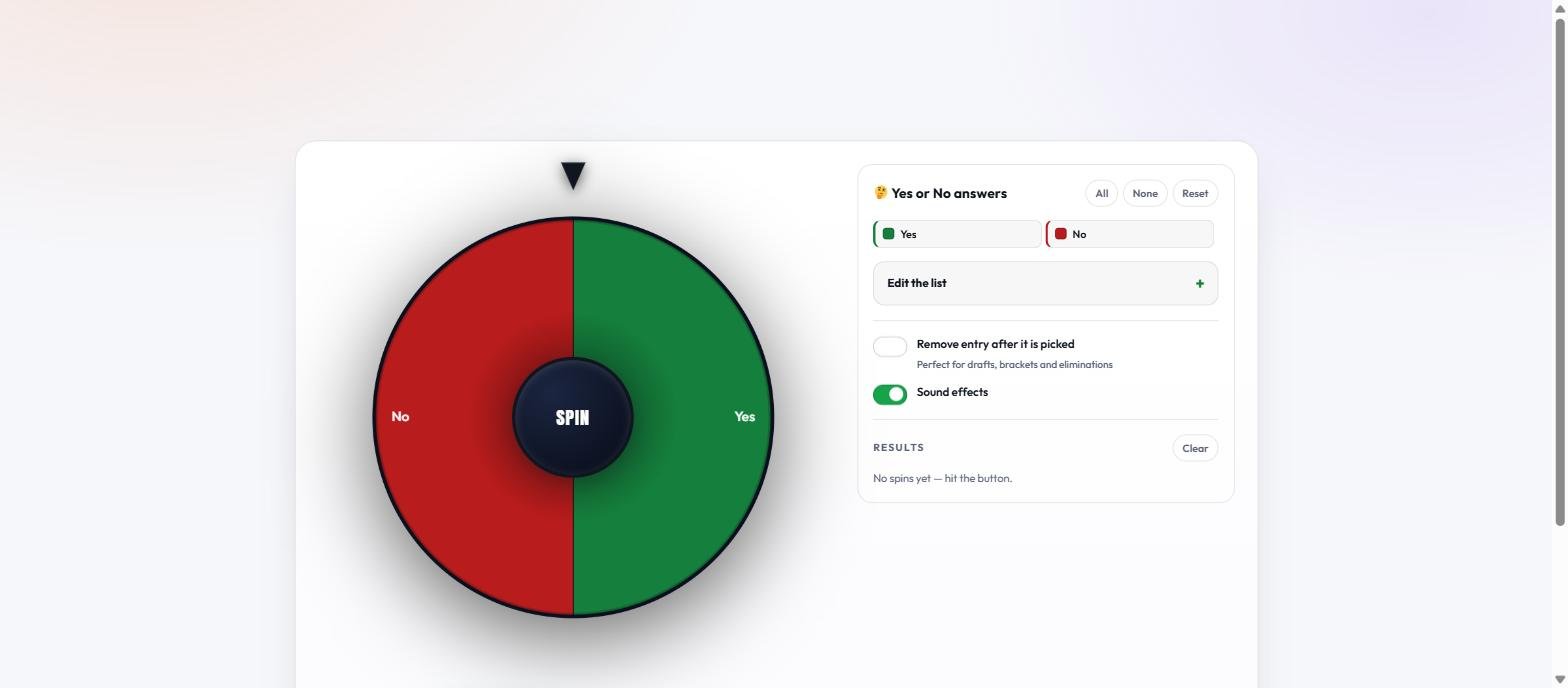
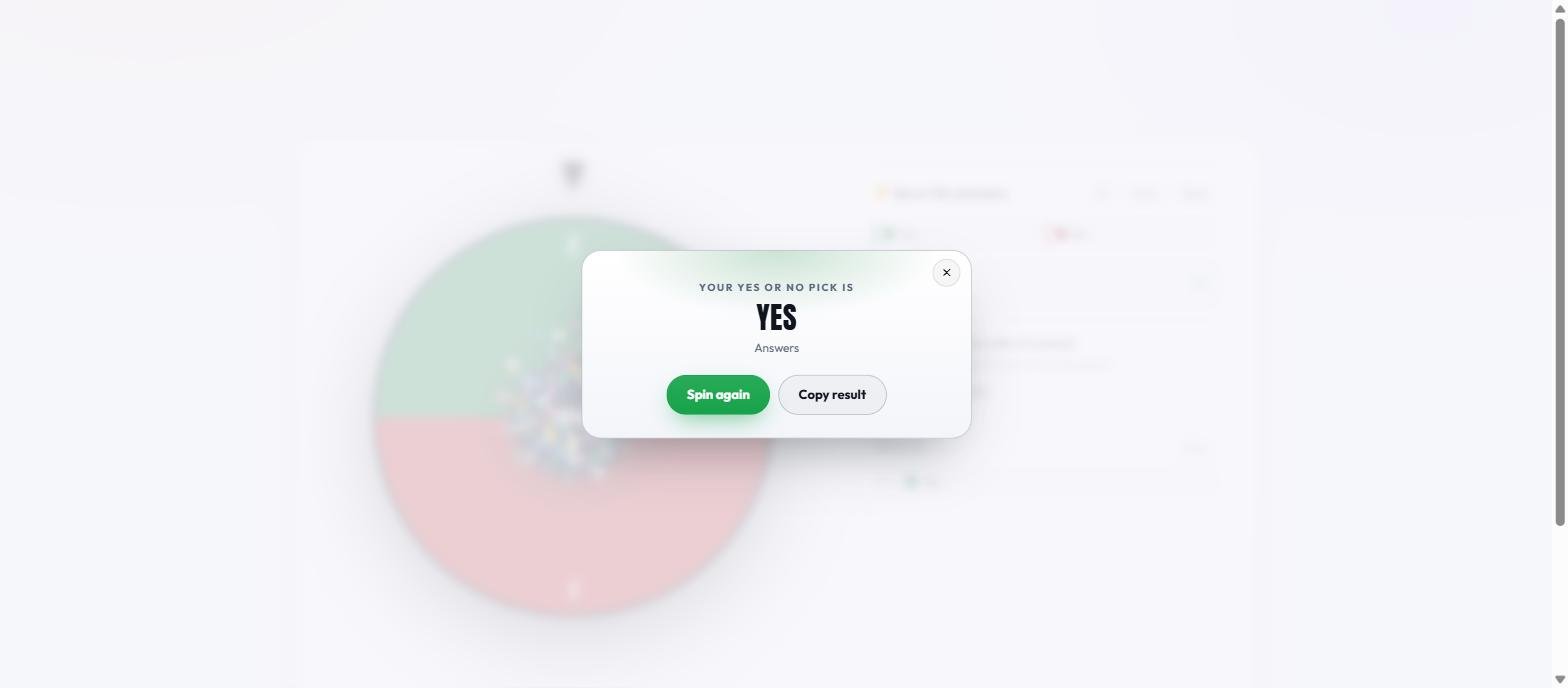
The wheel slows over roughly four seconds, the pointer at the top of the circle settles on one segment, and a result card names the answer in large type. The result card carries two actions: Spin again restarts the wheel, and Copy result places the answer on your clipboard. Every answer also joins the Results list in the side panel, so a session of several questions leaves a record you can scroll back through.
How to Add a Maybe Option to the Yes or No Wheel
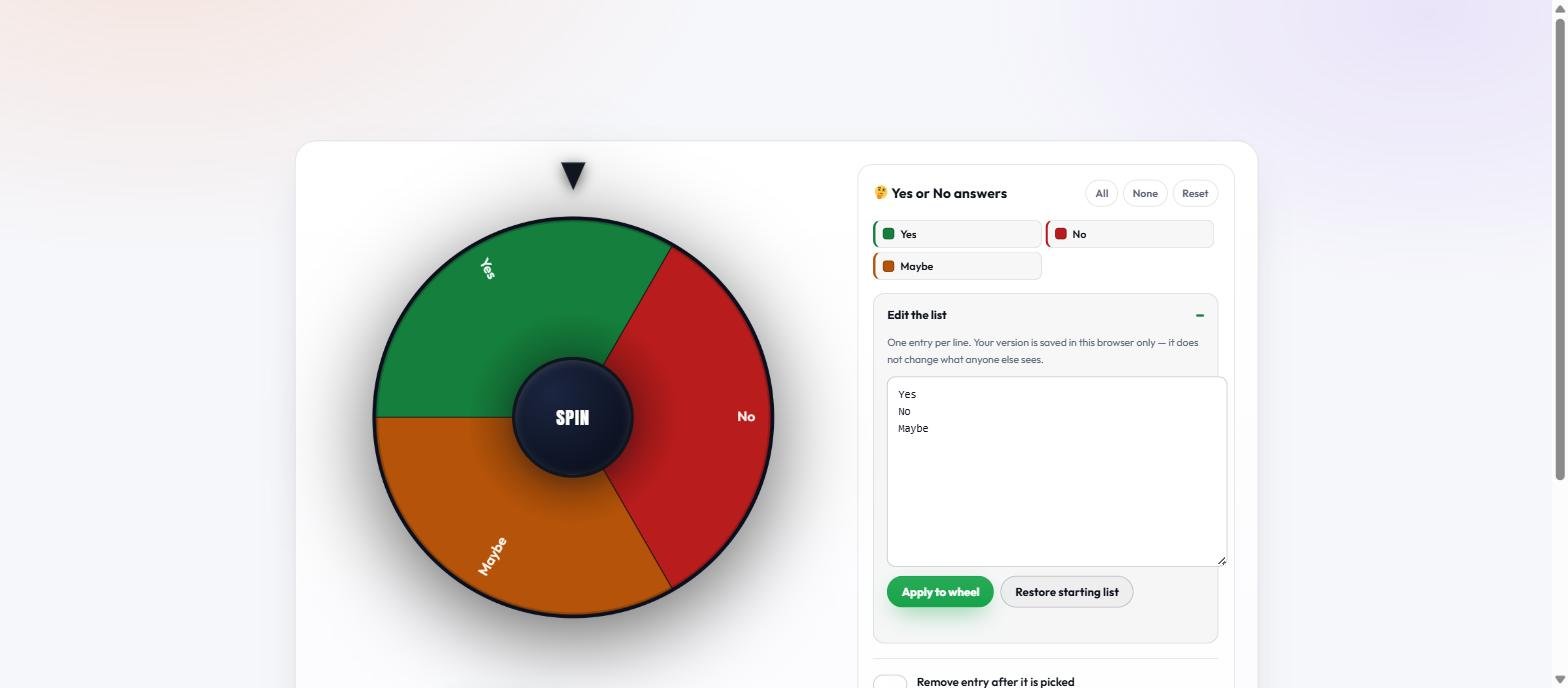
The Yes or No Wheel accepts any answers you type. Open Edit the list in the side panel, write one answer per line, then press Apply to wheel. A third line reading “Maybe” produces a three-segment wheel where each answer holds a one-in-three chance.
The Yes or No Wheel colors three answers by meaning rather than by position: “Yes” stays green, “No” stays red, and “Maybe” stays amber, even after you rewrite the list. Any other answer takes a color from the standard palette. Restore starting list returns the wheel to plain Yes and No.
How to Weight the Yes or No Wheel Toward One Answer
The Yes or No Wheel weights answers by repetition. Each line in the editor becomes one segment, and every segment carries exactly the same chance, so writing “Yes” three times and “No” once builds a four-segment wheel with a three-in-four chance of Yes. The Yes or No Wheel applies no hidden weighting of its own.
| Lines you type | Segments | Chance of Yes |
|---|---|---|
| Yes, No | 2 | 1 in 2 |
| Yes, No, Maybe | 3 | 1 in 3 |
| Yes, Yes, No | 3 | 2 in 3 |
| Yes, Yes, Yes, No | 4 | 3 in 4 |
Yes or No Wheel Compared With a Coin Flip
A coin flip and the Yes or No Wheel both return a binary answer at even odds. The two methods differ in what happens around the result rather than in the fairness of the result itself.
| Method | Possible answers | Change the odds | Keeps a record |
|---|---|---|---|
| Coin flip | 2 | No | No |
| Dice roll | 6, fixed | No | No |
| Yes or No Wheel | 2 by default, up to 100 | Yes, by repeating a line | Yes, in the Results list |
Is the Yes or No Wheel Actually Random?
The Yes or No Wheel draws every result from crypto.getRandomValues, the cryptographic random number generator built into modern browsers. A raw random integer does not divide evenly into an arbitrary number of segments, so the Yes or No Wheel discards any value that would skew the split and draws again — a technique called rejection sampling. Each segment therefore receives exactly the same probability rather than an approximation of it.
The Yes or No Wheel selects the winning segment before the animation begins, then rotates to that segment. Neither the length of the spin nor the speed of your device changes the outcome. The full explanation of the spin mechanics covers the same engine across every wheel on the site.
What the Yes or No Wheel Stores About You
The Yes or No Wheel stores two values in your own browser: the answers you typed into the editor, and your sound preference. Both sit in local storage on your device. The Yes or No Wheel transmits no question, no answer, and no result to any server, and Team Picker Wheel requires no account to run the tool. Clearing your browser data removes both stored values.
Keyboard Shortcuts and Accessibility on the Yes or No Wheel
The Yes or No Wheel runs entirely from the keyboard. The space bar spins the wheel whenever the wheel sits on screen, the Escape key closes the result card, and every control on the page is a real button that the Tab key reaches in order. The Yes or No Wheel announces each answer through an ARIA live region, so a screen reader reads the result the moment the wheel stops.
Two controls handle motion and noise. Instant pick skips the spin animation and returns the answer immediately, which suits anyone who finds the rotation uncomfortable. The Sound effects switch turns the ticking and the result chime off, and the Yes or No Wheel remembers that choice in your browser for the next visit.
How to Run the Yes or No Wheel for a Group
The Results list turns the Yes or No Wheel into a shared record. Each answer lands in the list in order, numbered as it arrives, so a group can ask several questions in one session and still see which answer belonged to which round. Copy result puts a single answer on the clipboard for pasting into a group chat.
Agreeing on the rule before the spin matters more than the spin itself. Decide as a group that the wheel settles the question, ask the question in words everyone accepts, then spin once. A wheel spun after the argument has already started rarely ends the argument.
When a Yes or No Wheel Helps, and When It Does Not
A Yes or No Wheel helps when both answers are genuinely acceptable and the deliberating costs more than the decision itself. Picking a restaurant, settling a small disagreement, breaking a tie in a game, deciding who starts — the wheel ends the loop and the evening moves on.
A Yes or No Wheel does not help with decisions that carry real consequences. Medical choices, money, contracts, and anything affecting another person deserve judgement rather than a spin. One useful side effect remains: watch your own reaction to the answer, because disappointment at the result usually reveals which answer you wanted before you spun.
Frequently Asked Questions
What is the Yes or No Wheel used for?
The Yes or No Wheel settles closed questions that accept a binary answer. People use the Yes or No Wheel to pick between two acceptable options, break a tie, or stop a decision loop that has run longer than the decision deserves.
Are the odds on the Yes or No Wheel exactly 50/50?
Yes, with the default two answers. The Yes or No Wheel gives every segment on the circle an identical chance, so a wheel holding one Yes and one No returns each answer half the time. Adding or repeating lines changes the odds in the way the weighting table on this page describes.
Can I add a Maybe answer?
Yes. Open Edit the list, add a line reading Maybe, and press Apply to wheel. The Yes or No Wheel then holds three segments and colors Maybe amber.
Does the Yes or No Wheel save my answers?
The Yes or No Wheel saves your edited answer list in your own browser so the list survives a reload. The wheel saves nothing on a server and records no question or result anywhere else.
Does the Yes or No Wheel work on a phone?
Yes. The Yes or No Wheel resizes to the screen, and the spin button, the hub, and every control respond to touch. No app installation applies.
Is the Yes or No Wheel free?
Yes. Team Picker Wheel provides the Yes or No Wheel free, without an account, without a download, and without a limit on spins.